Fire Lion 88 Withdrawal Failed: Why Your Cashout Was Declined and How to Fix It
Most Common Reasons Fire Lion 88 Rejects a Withdrawal Request
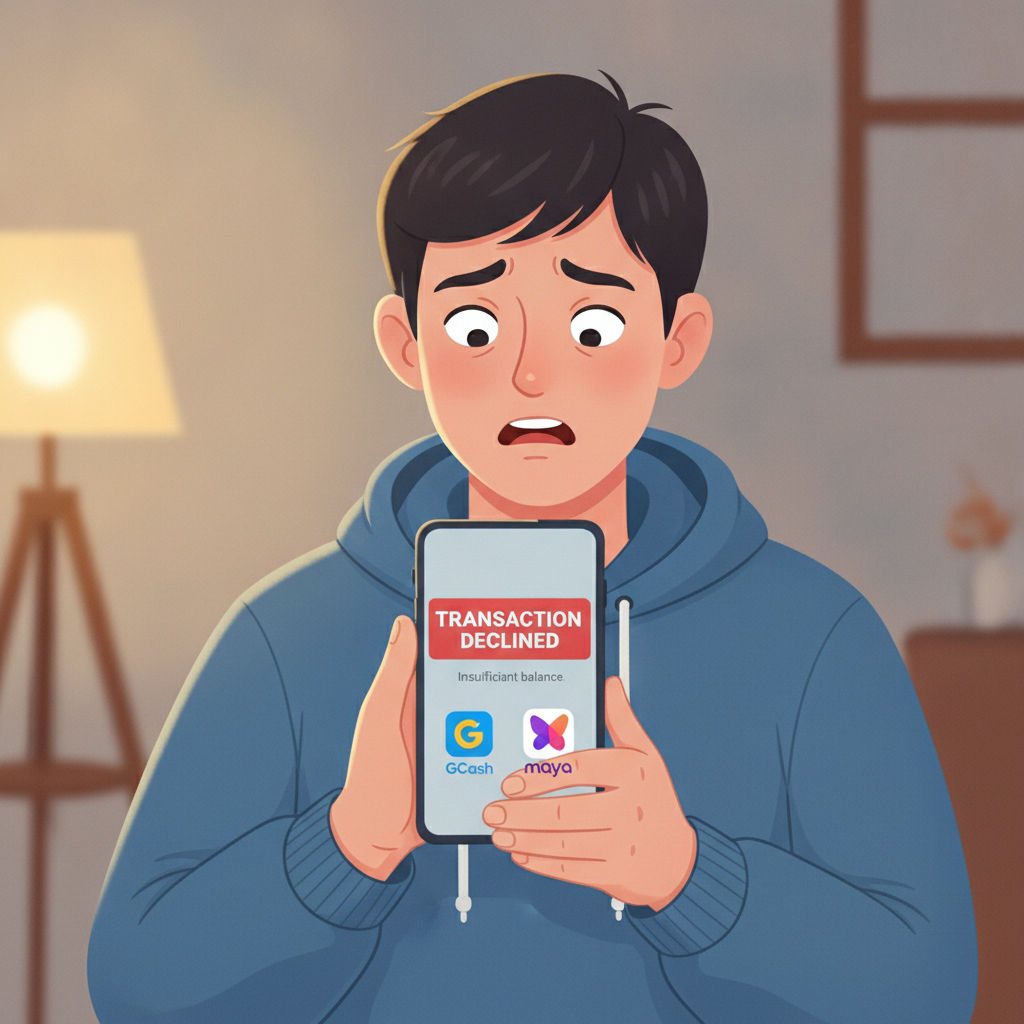
When a Fire Lion 88 withdrawal request gets declined, the platform usually blocks the cashout for security or compliance reasons. Players in the Philippines typically see rejections tied to incomplete verification, exceeded limits, or mismatched account details. Understanding these triggers helps you resolve the issue quickly and get your pesos moving through GCash, Maya, InstaPay, or PESONet.
Incomplete or missing verification documents lead most rejection lists. Fire Lion 88 requires players to submit government ID, a selfie, and proof of payment ownership before approving the first withdrawal. If any document is missing, blurry, expired, or doesn't match the name on the account, the cashout will not go through.
Daily or weekly cashout caps can block a withdrawal even when your account is fully verified. Fire Lion 88 sets limits on how much you can withdraw in a 24-hour window and over seven days. If you've already cashed out once today or hit your weekly maximum, a second request will be declined until the limit resets.
Name mismatches between your Fire Lion 88 account and your e-wallet or bank are another frequent problem. If your GCash account is registered under a nickname or your Maya wallet uses a shortened version of your legal name, Fire Lion 88 may reject the transfer to prevent fraud.
Pending wagering requirements from a bonus can also freeze a withdrawal. If you claimed a deposit bonus, reload offer, or free spins and haven't met the rollover rules, the platform will decline your cashout until you complete the playthrough.
Technical errors or outdated payment details occasionally cause rejections. A closed GCash account, a typo in your bank account number, or server maintenance on the Fire Lion 88 side can all result in a failed transaction.
Account Verification Issues: ID, Selfie, or Proof of Payment Not Uploaded
Fire Lion 88 requires players to verify their identity before processing the first withdrawal. This step—often called Know Your Customer (KYC)—ensures the account belongs to the person who registered it and that the payment method is legitimate.
What Fire Lion 88 asks for:
- Government-issued ID: A valid Philippine driver's license, passport, UMID, postal ID, or national ID. The ID must show your full legal name, photo, date of birth, and expiry date. Scanned copies or high-resolution smartphone photos work; screenshots or photocopies of photocopies usually get rejected.
- Selfie verification: A clear photo of you holding your ID next to your face. The ID details and your face must both be visible and in focus. Some players are asked to hold a piece of paper with the current date and "Fire Lion 88" written on it.
- Proof of payment ownership: A screenshot of your GCash, Maya, or bank app showing your full name and account number. For GCash, open the app, tap your profile, and screenshot the page with your verified name. For bank transfers, a photo of your ATM card (covering the middle digits) or a bank statement with your name and account number works.
Why verification fails:
- Blurry or cropped images: If the Fire Lion 88 team cannot read the ID number or see your full face, they'll reject the upload.
- Expired documents: An ID that expired last year won't pass. Renew it first.
- Name discrepancies: If your Fire Lion 88 account says "Juan de la Cruz" but your ID shows "Juan P. Dela Cruz," the system may flag it. Contact support to update your registered name before resubmitting.
- Wrong file format: Fire Lion 88 typically accepts JPG, JPEG, and PNG files under 5 MB. PDF scans or HEIC iPhone images may not upload correctly.
How to upload or resubmit documents:
Log in to your Fire Lion 88 account on the Android app or mobile browser, go to the profile or account settings section, and look for "Verification" or "KYC." Upload each document in the correct slot, double-check image quality, and hit submit. The review process usually takes 24 to 48 hours. If you don't hear back within three business days, contact support with your account username and ask for a status update.
Exceeding Daily or Weekly Cashout Limits
Fire Lion 88 imposes maximum withdrawal amounts per day and per week to manage cash flow and reduce fraud risk. These limits vary by player tier—standard accounts have lower caps, while VIP or verified accounts may enjoy higher thresholds.
Typical cashout limits for Fire Lion 88 players in the Philippines range from PHP 10,000 to PHP 50,000 per day and PHP 50,000 to PHP 200,000 per week, depending on account status. Exact figures are not publicly listed and can change, so check the cashier or withdrawal page for your current limits.
What happens when you exceed the limit:
If you request PHP 15,000 but your daily cap is PHP 10,000, the Fire Lion 88 system will decline the withdrawal automatically. You'll see an error message on the cashout screen or receive a notification in your account inbox.
How to work around limits:
- Split the withdrawal: Request PHP 10,000 today, wait 24 hours, then withdraw the remaining PHP 5,000 tomorrow.
- Check your limit reset time: Daily limits usually reset at midnight Philippine Standard Time. Weekly limits restart every Monday at 00:00 PST.
- Request a limit increase: Long-time players with a clean transaction history can ask Fire Lion 88 support to raise their caps. Provide your username, typical deposit and withdrawal amounts, and verification documents if requested.
Where to view your current limits:
Open the Fire Lion 88 app or website, go to the cashier or withdrawal section, and look for a "Limits" tab or an info icon next to the withdrawal amount field. Some accounts display remaining daily and weekly balances directly on the cashout page.
E-Wallet or Bank Account Name Mismatch Errors
Fire Lion 88 matches the name on your casino account against the name registered to your GCash, Maya, or bank account before releasing funds. If the names don't align—even by a single character or spacing difference—the withdrawal will be declined.
Common mismatch scenarios:
- Your Fire Lion 88 account is under "Maria Santos" but your GCash is registered as "M. Santos."
- You used a nickname when signing up, like "JC," but your bank account reads "Jose Carlos Reyes."
- Your legal name includes a suffix (Jr., Sr., III) on your ID, but your e-wallet does not, or vice versa.
How to fix name mismatches:
- Update your Fire Lion 88 account name: Contact support via live chat or email, explain the discrepancy, and provide a photo of your government ID showing your legal name. The team can correct your registered name to match your payment method.
- Update your e-wallet or bank registration: If your GCash or Maya account uses a nickname, open the app, go to profile settings, and complete full verification with your legal name. For bank accounts, visit your branch with a valid ID to update your registered name.
- Use a different payment method: If you cannot change either name, link a different GCash, Maya, or bank account that matches your Fire Lion 88 registration. Go to the cashier, add the new withdrawal method, verify ownership, and try again.
Processing time after correction:
Once names match, Fire Lion 88 usually processes the withdrawal within 24 hours for GCash and Maya, up to 24 hours for InstaPay bank transfers, and one to three business days for PESONet.
How to Contact Support and What Details to Include
When a Fire Lion 88 withdrawal fails and you've checked verification, limits, and name matching, reaching out to support is the next step. The platform offers live chat and email channels for Filipino players.
Live chat is the fastest option. Open the Fire Lion 88 app or website, tap the chat icon (usually a speech bubble in the bottom-right corner), and type your issue. Support is available daily, though response times may be slower during peak evening hours in Metro Manila.
Email support works for non-urgent cases or when you need to attach documents. Send your query to the support address listed in the Fire Lion 88 app footer or help section. Expect a reply within 24 to 48 hours.
What to include in your message:
- Username or registered mobile number: Help the agent locate your account quickly.
- Transaction ID or withdrawal reference number: Found in your transaction history or cashout confirmation screen.
- Withdrawal amount and method: For example, "PHP 5,000 to GCash ending in 1234."
- Error message or screenshot: If the app showed a specific code or notice, share it.
- Date and time of the failed request: Fire Lion 88 logs all attempts, so a timestamp helps support trace the issue.
Sample message:
"Hi, my Fire Lion 88 withdrawal of PHP 5,000 to GCash was declined today at 3:15 PM. My username is juan_cruz88. The transaction ID is FL88-WD-123456. I've already uploaded my ID and selfie yesterday. Can you check what's blocking the cashout? Thanks."
Follow-up if needed:
If you don't receive a response within two business days, send a polite follow-up or try the alternative contact method. Keep your messages clear and factual to speed up resolution.
21+ Only, Responsible Gambling Reminder
Fire Lion 88 is strictly for players aged 21 and over. Online gambling should remain a form of entertainment, not a way to solve financial problems. If you find yourself chasing losses, borrowing money to deposit, or spending more time and pesos than planned, take a break. Set deposit limits in your Fire Lion 88 account settings, use session timers, or reach out to a local support organization for guidance. Play responsibly and within your means.